
InDesign and Photoshop Training
The benefits of a combo Adobe Course in InDesign and Photoshop
- Enhance and retouch images for print, interactive PDFs and social media using Adobe Photoshop
- Design professional layouts, brochures, reports and multi-page documents in Adobe InDesign
- Combine both applications to create a smooth, efficient workflow from image editing through to final output
Looking for hands-on InDesign and Photoshop training? View our combo Adobe training course
Updated April 2026 – Quick post about our Introduction to Adobe InDesign and Photoshop Course delivered as virtual online Adobe Courses or onsite at your premises.
Why combine InDesign and Photoshop on one course?
By combining the two you are ensuring that your can produce eye catching images that can be placed into InDesign layouts. Many businesses, teams and creative professionals benefit from combining Photoshop with Adobe InDesign to prepare professional images for print, portfolios or multi-page documents. Documents which are then sent to print or made into interactive PDF’s.
Integrating the two lets you to move seamlessly between the worlds of photography and graphic design. Beautiful images created and edited in Photoshop then exported to InDesign for brochures, reports or presentation work.
This combined approach helps maintain quality, consistency and efficiency across the entire design process, making it especially useful for those producing both images and finished documents.
Benefits of a combined Adobe InDesign and Photoshop Training Course
- Enhanced Creative Control, design assets like backgrounds and textures, improve portraits and photos in Photoshop the,n use InDesign’s advanced features such as text wrapping around images to create eyecatching layouts
- Professional Output Standards, maintain image quality across both platforms, work with manage color profiles (RGB, CMYK) and use InDesign’s “Preflight” tool to catch errors before final production.
- Speed and Productivity, combined courses like these also include learning AI tools to streamline and remove the mundane from working in software.
Who are these courses for?
These courses are flexible and provide the opportunity to mix and match content from either of them to create your own bespoke Adobe Course. Whether you’re an individual or a large team you can tailor both of these to suit either your work or personal objectives.
You’ll learn how to retouch images in photoshop by retouching, recolouring and after making sure they’re the best quality possible export them to InDesign either for print layouts such as reports, books, brochures or PDF interactive documents.
- Small Business Owners, bring marketing material design in-house and reduce external agency costs.
- Marketing Teams, create consistent branding across brochures, reports, and social media graphics.
- Freelance Content Creators, offer a wider range of services, from simple photo editing to full publication design.
What do you learn on a bespoke InDesign and Photoshop Course?
You’ll learn how to retouch images in photoshop by retouching, recolouring and making sure they’re the best quality possible to add to InDesign either for print layouts such as reports, books, brochures or PDF interactive documents.
- Photoshop, for high-end image editing, retouching, and pixel-based manipulation.
- InDesign, industry standard for multi-page layouts, sophisticated typography, and preparing print-ready or interactive digital documents.
What do you learn on an InDesign Training Course?
On the InDesign course you’ll learn how to design a range of spreads and layouts combining InDesign’s layout tools and importing images from the Photoshop course. You can design these for either print or interactive export.
Learn to position image and text frames to create professional looking documents incorporating brand colours, logos, fonts.
InDesign offers a wide range of design options from flyers, newsletters, brochures through to interactive PDF online documents. For example you could opt to create your own photobook and publish it out to print or digital.

Create Spreads & Layouts
Beautiful, professional images created in Photoshop?
What to do with them?
Hop into InDesign and design newsletters, flyers, brochures, annual reports, photo-books for print or digital output.
What do you learn on the Adobe Photoshop Course?
Whatever your flavour, product, macro, landscape or wedding photography during the Photoshop course you’ll learn to edit your image adding depth and colour and when necessary repair your photos quickly and easily.
On the introduction to Photoshop Course learn the tools and features needed to manipulate and improve your photography for print or digital output.
Photoshop and AI Tools
We cover the latest AI tools and combine them with traditional tools to help increase your workflow and to save you image editing time.
We have two popular Photoshop courses in our Adobe bundle – the Introduction to Photoshop Course and the Photoshop for Photographers Course.

Create professional images
Import photos into Photoshop to enhance and manipulate.
Edit for print & digital
Start from scratch
Work with AI Tools to enhance and create
Create collages
What other InDesign and Photoshop Courses do you run?
Most of the Adobe Training courses can be tailored for both individuals and teams but as well as the intro courses we also have a number of bespoke courses held with specialist trainer Greta including:
Want to Read more?
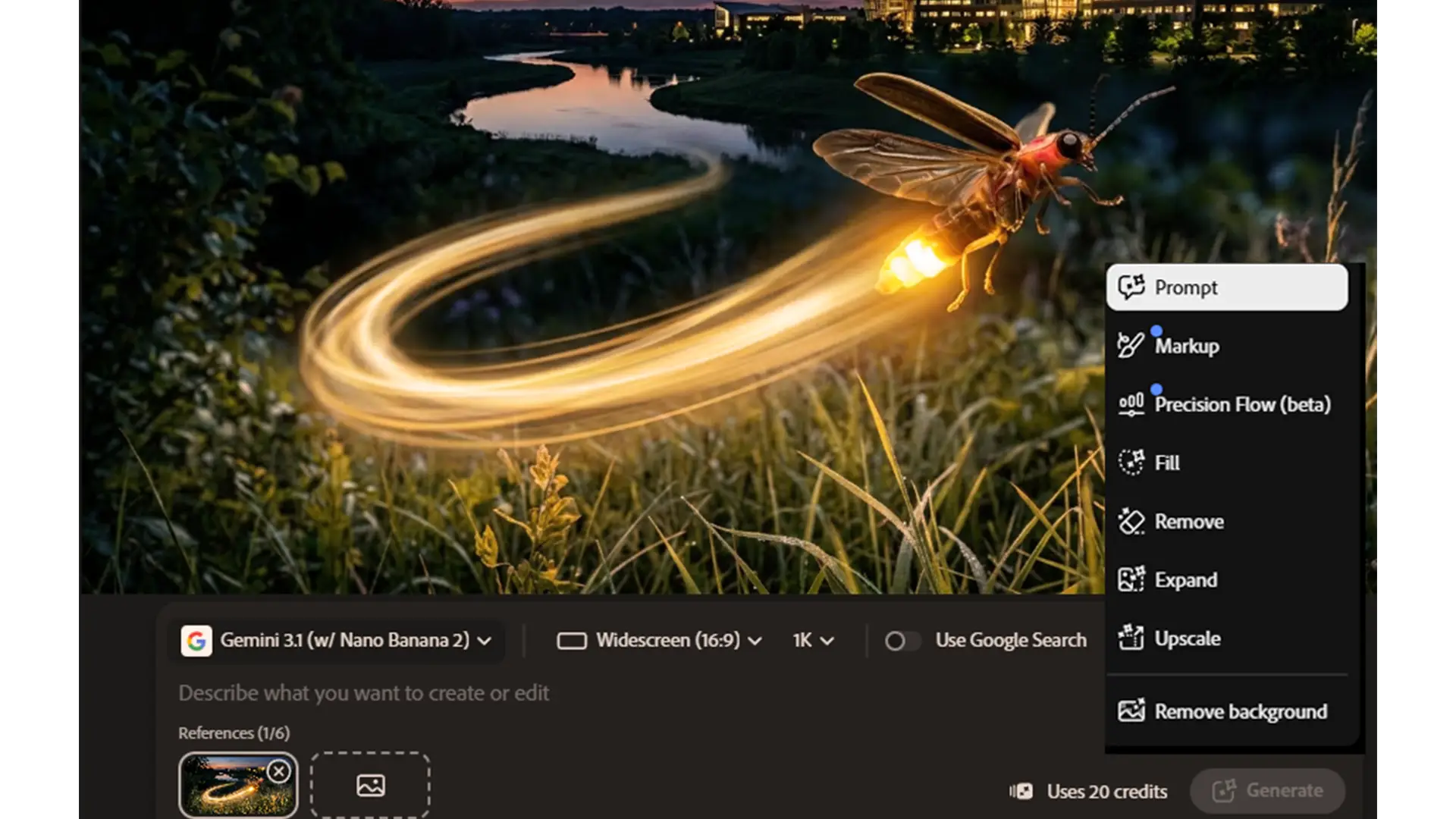
Adobe 2026 What’s Changed and What It Means for Your Team
Adobe 2026: What’s changed and what it means for your team Adobe hasn’t just added a few new AI tricks.

Switch from Adobe to Affinity
Can your company switch from Adobe to Affinity ? Switching from Adobe to Affinity? Why more organisations are questioning using

What Is Adobe Firefly and How Does It Work in Photoshop?
What is Adobe Firefly and how does it work in Photoshop? Adobe Firefly is changing how designers create images, graphics
