Adobe 2026: What’s changed and what it means for your team

Adobe hasn’t just added a few new AI tricks. Over the past year they’ve quietly reshaped the entire Creative Cloud ecosystem — and if your organisation uses Adobe, these changes will affect how your team works, collaborates and produces content.

After delivering several Adobe Express and Creative Cloud courses recently (and doing a fair bit of snooping around), it’s clear that Adobe is moving in a very deliberate direction: Express as the hub, Firefly as the engine, and AI‑assisted workflows across everything.

This isn’t a small update. It’s a shift in how Adobe wants people to create.

Here’s what’s changed and why it matters.

Adobe Express is becoming the new front door

Adobe Express has quietly become the centre of Adobe’s universe. Whereas once it was viewed as an ‘additional extra’ social media app it’s Adobe main focul point and the now the place that Adobe wants everyone to start from whether you’re a beginner or experienced designer.

It’s no longer the “lite” version of anything. It’s now the place Adobe wants everyone to start from beginners to seasoned designers.

What can you expect?

You’ll see:

  • unified templates

  • brand kits

  • shared libraries

  • cross‑app publishing

  • direct links into Photoshop, Illustrator and Premiere Pro

For many teams, Express is becoming the quickest way to create branded content without opening the heavier apps. And for organisations with mixed skill levels, this is a game‑changer.

Firefly is everywhere and getting smarter and smarter

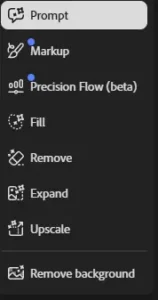
Prompt to edit in the main Firefly Edit Box

Firefly is designed to speed up the “first draft” stage of creative work , that part where teams normally spend time sketching ideas, building rough layouts or trying out visual directions. Instead of starting from scratch, Firefly can generate quick concepts, backgrounds, variations or mock‑ups that give designers something to react to immediately.

It doesn’t replace the designer’s eye. What it does is remove the slow, early steps so people can spend more time refining, adjusting and making decisions, the parts of the process where human judgement genuinely matters.

Alongside Firefly, Adobe is now integrating partner models such as Google Nano (Gemini 3.1), Flux, and Topaz.  

Adobe Partner Models

If you’d like a deeper look at Nano, Flux and why Adobe is partnering with these models. I recently wrote a post about exactly this here.

See full Adobe Partner post here

These smaller, faster models are designed for things like:

  • generating quick variations

  • enhancing images

  • speeding up retouching

  • improving upscaling and sharpening

  • supporting mobile and browser‑based workflows
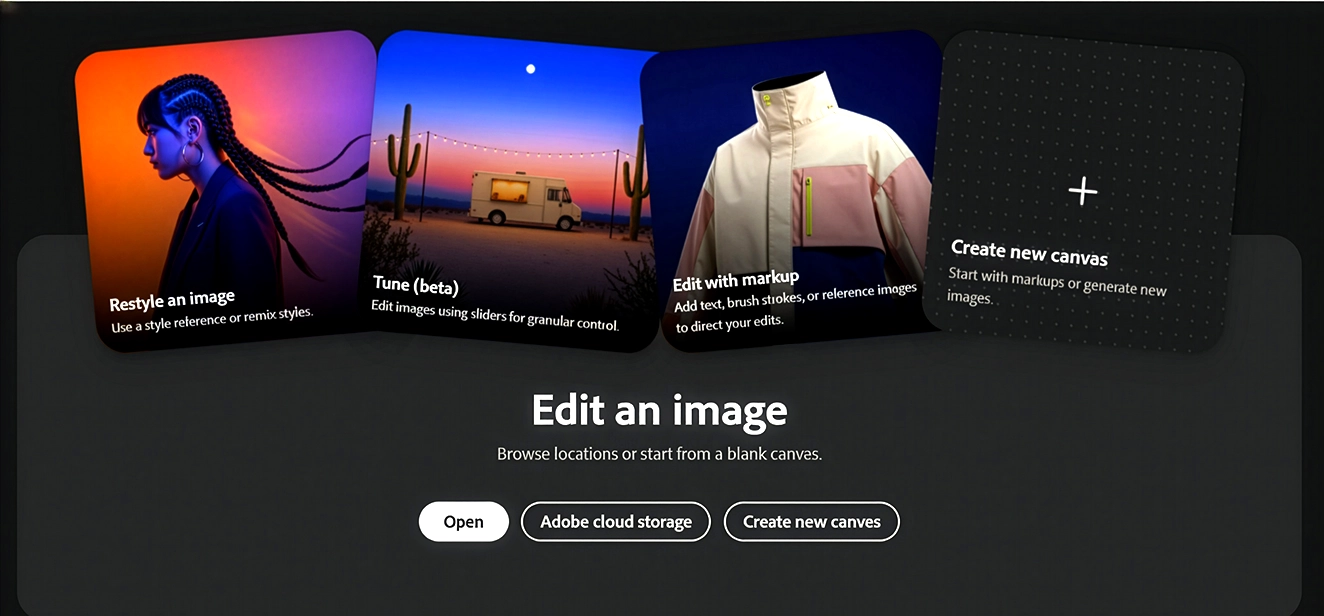
Firefly & partner models are built with commercial use in mind

The key point for organisations is this:

  • rights‑cleared training data

  • predictable licensing

  • safe outputs for marketing, print and brand work

  • fewer legal grey areas than many open‑model alternatives

For teams working in corporate, public sector or brand‑sensitive environments, this is a major reassurance. It’s one of the reasons Adobe’s AI ecosystem is becoming the preferred choice for organisations that need both speed and compliance.

If you’d like a clearer look at how Firefly actually works inside Photoshop for example you can read a separate post about it here.

See full Firefly post here

Want to Read more?

Adobe CC and Affinity Studio 3, which to use

Switch from Adobe to Affinity

Can your company switch from Adobe to Affinity ? Switching from Adobe to Affinity? Why more organisations are questioning using