
Unleashing Creativity with AI: Photoshop Generative Fill & Google Nano
Adobe Photoshop update as of 6th January 2026
Something quite interesting just caught our attention the fact that you can now use Adobe Photoshop directly in Chatpgpt. Yes I know, we didn’t believe it either but apparently as of December 2025 you can and according to Adobe this is how you do it.
There’s also quite an interesting article about Adobe and Chatgpt over at Creative Blog. Here’s a short quote from the peice “Adobe has also launched Adobe Express for ChatGPT which incudes the apps design library and allows templates to be customised and designs to be animated in the chat. There’s also Acrobat for ChatGPT to allow PDF editing…..”
Photoshop Generative Fill & Google’s Nano Banana
Artificial intelligence is no longer just a futuristic concept; it’s a practical tool that’s transforming how we work and create. From image editing to content generation, AI-powered tools like Photoshop Generative Fill & Nano Banana are helping creators, marketers, and small business owners save time, boost productivity, and produce professional quality results quickly and easily.
Unlock the Power of AI for Creativity and Productivity
In today’s digital world, AI is changing the way we create and manage content. Tools like Photoshop AI Generative Fill allow designers and content creators to seamlessly remove, replace, or generate elements in photos with ease. Meanwhile, Google AI tools, including Nano, streamline writing, coding, and data management, giving users smarter, faster ways to work.
For small business owners or creative professionals, leveraging these AI tools can save hours of manual work, enhance content quality, and help projects stand out in a crowded market.
How Photoshop and Adobe Firefly work together

For example you could create a background in Firefly and use Generative Fill to integrate it naturally into your photo, removing unwanted objects or extending scenery effortlessly. This combination streamlines the creative process, saving time while producing professional-quality visuals.
But surely Firefly and Generative Fill are the same thing?
Firefly is one of Adobe’s creative generative AI models whereas Generative Fill is a specific feature which is powered by Firefly. As mentioned elsewhere it appears as a plugin inside Photoshop that lets you add, remove and replace visual content
Think of Firefly as the engine and Generative Fill as one of the cars (like in Photoshop or the Firefly web app) that uses that engine for tasks like editing existing photos, whereas Firefly also offers other tools like Text to Image and Text Effects.
Boosting Creativity and Productivity with Photoshop, Nano Banana and Flux
Combining Photoshop, Google Nano, and Flux creates a seamless workflow for both creative and technical tasks. Photoshop’s Generative Fill handles image editing, Nano provides AI-assisted writing and coding, and Flux allows real-time data integration, automation, and workflow optimization. For example, a designer can generate visual concepts in Photoshop, use Nano to draft copy or scripts, and leverage Flux to automate repetitive tasks like file organization or content updates. Together, these tools empower small business owners, marketers, and creators to work smarter, save time, and produce high-quality results efficiently.
What is Google Nano Banana and how does it work with Photoshop?
Do you know these five 'secrets' of Nano Banana?
- Origin of the Name came about because a Google DeepMind team member needed a quick name when submitting the model to an AI evaluation leaderboard at 2 a.m. “Nano Banana” was used to avoid it being linked to Google and it quickly became the #1 ranked model so the name was kept.
- A “Bug” an early glitch during testing caused the model to randomly add bananas to images which led to the use of the “banana” name.
- Google’s Use of the Name Google embraced the nickname, using banana emojis and creating a social media presence for @NanoBanana.
- “Nano” Meaning “Nano” indicates an efficient and lightweight model that strong, professional results.
- Image Editing Users can edit images conversationally, and the AI understands the context.
Check out Flux
How do you work with Nano Banana in Photoshop?
Using Nano Banana to edit an image
Select and write the Nano Prompt
- Fire up Photoshop
- Open the image to be edited
- In this case select the whole image using the simple rectangular marquee tool
- Click the “Generative Fill” button.
- In this case select Gemini 3 with Nano Banana Pro from the Partner Modules category
- Write the text prompt where we simply wrote in ‘Remove Green Shoots’
- Then we clicked on Generate
Nano Banana Variation
With Firefly you get three variations to choose from but with Gemini 3 (Nano Banana 3) you only get one so if you need additional choices then simply hit the ‘Generate’ button in the Properties Panel.
To toggle the Properties panel on or off go to Window Menu >Properties
Results of Nano Banana Edits in Photoshop
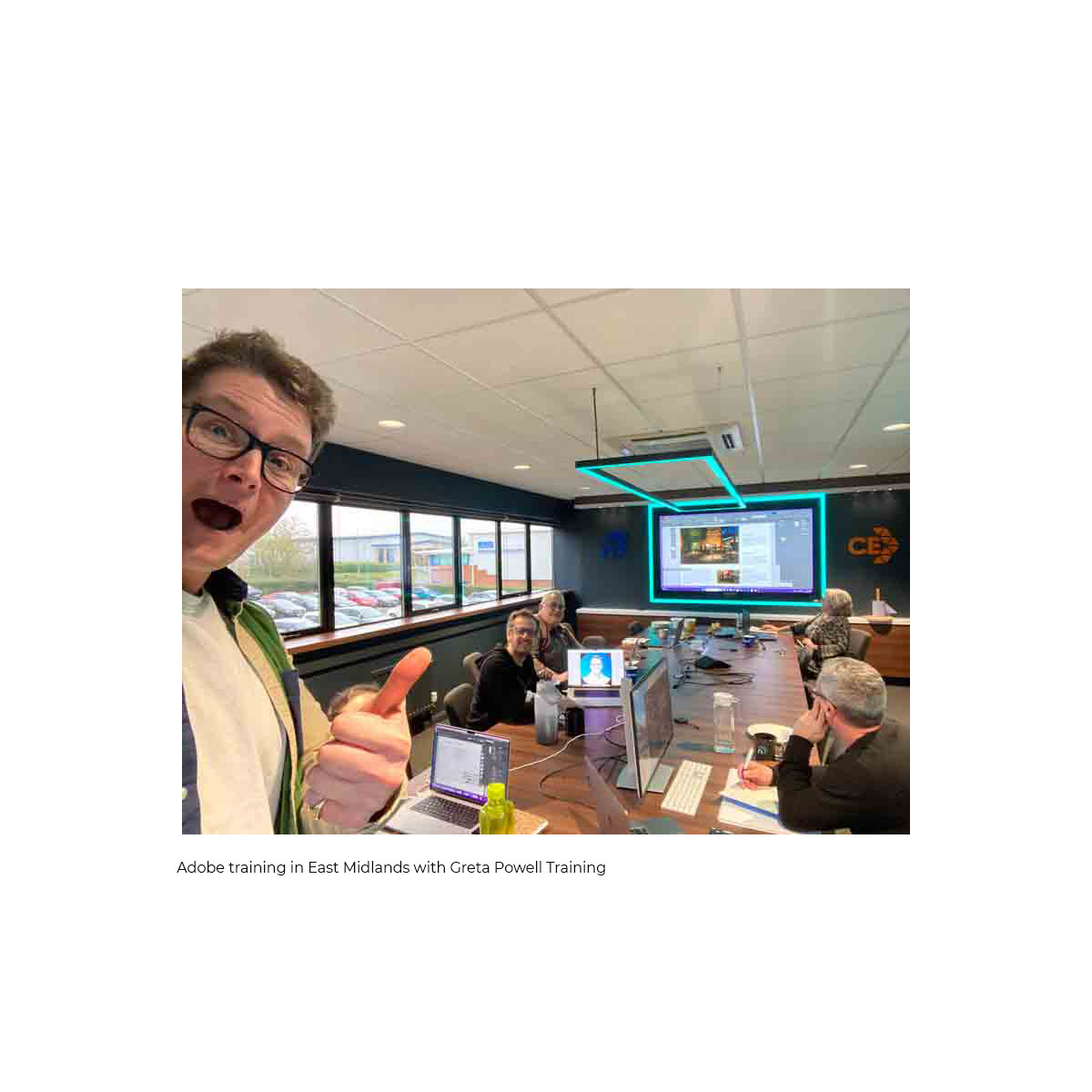
Adobe Training Courses from Greta Powell Training
We follow a simple proven process to make sure all our training courses deliver the best results.
First we listen to you and what you want!
Initial consultation, You’ll discuss your goals, current skill levels, and the types of projects your team handles via Zoom /Teams
Tailored training plan, Greta designs a custom learning path using your software, files, and creative objectives.
Flexibility, tailored training can be held online, at your premises, an agreed location or in hybrid format scheduled around your diary.
Follow-up support, After training, you’ll receive support by email, video and optional refresher sessions to keep skills sharp.
Ready to book Adobe Training?
Investing in bespoke digital design training and working Photoshop Generative Fill & Nano Banana is an effective way to boost productivity, confidence, and brand consistency within your organisation.
Whether you’re an SME looking to upskill your marketing team or a large company seeking standardised design processes, tailored Adobe training can make an immediate difference.
Get in touch with Greta Powell Training today to discuss your team’s needs or arrange a free consultation.
What is Artist.io?
Google describes Artlist.io as and we quote Google: ” a subscription based platform for video creation with a huge library of high quality, royalty free assets like music, sound effects, stock footage, and video templates. It also contains powerful AI tools for generating images, videos and voice-overs from text prompts, friendly licenses for social media and commercial use.
It simplifies licensing with features like a “clear list” for copyright protection and offers an all-in-one “Artlist Max” plan for unlimited access, aiming to empower creators with tools and assets to make content without licensing headaches”
Want to Read more?

Affinity Free Creative Software Review
“Affinity Free Creative Software Review: Is It Worth the Hype?” Affinity Studio with Pixel, Layout and Vector Apps If you’re
Tailored Adobe Digital Design Training
Why Book Tailored Digital Design Training Courses? In today’s fast-moving digital world, creativity is no longer an option, it’s essential

Designing Scrapbooks in Adobe Photoshop
Digitising scrapbooks in Adobe Photoshop… This month has been an interesting one in many ways. From the whole life cycle