Adobe InDesign Introduction Course in Bedford
This beginners Adobe InDesign Training in Bedford gives you the skills to create, design and publish professional and attractive spreads for both digital and print output.
The course is either hosted onsite at your premises or run as a virtual online InDesign Course with a live instructor.
An Introduction to InDesign course where you will learn to edit existing documents and create new ones from scratch using the same features as professional designers use every day.
What do you learn on an Adobe InDesign Introduction Training Course?
The full InDesign course overview can be seen at the bottom of the screen but during the training you would cover:
- Create, design and publish from the beginning learn document setup including bleed, slug & margins, work with layout grids
- Design various spreads and layouts including flyers, newsletters, PDF’s & Interactive PDF’s, brochures and repors
- Edit and update existing InDesign documents
- Import images & text understand frames, their individual features and how images and text frames interact with one another.
- Image frames fit images to frames, position image, add fill and strokes to frames
- Text frames place text, move, position and reshape frames, text frame options, add columns
- Text meets graphics use wrapping in InDesign to text wrap text around image
- Adobe InDesign AI Tools including contextual toolbar, text to image, InDesign Style Packs, ChatGPT for content
- Practical InDesign create consistent layout using grids, guides, parent pages, rulers, align & distribute
- Publish to print, PDF and Interactive PDFs
Onsite Adobe InDesign Training in Bedford

Onsite InDesign Training is available across Bedford, Bedfordshire and surrounding areas with introduction, advanced or tailored InDesign courses catering to your specific criteria.
Some of the things you’ll learn how to design are newsletters, brochures, marketing materials and more which can be published to print or digital. But these are not set in stone we can work to your design ideas.
During the course you’ll also design basic PDF interactive documents and learn the latest Adobe AI tools to enhance and streamline your layouts.
ChatGPT even gets a look in on this course as you take a look at combining InDesign with external AI tools.
Oooh and did we mention that dates and times are worked around your schedules.
Pre-Course InDesign Meeting
Once the training is booked in we organise an online meeting /voice call prior to the training session to work through the content, structure and logistics of the training.
Tailored Adobe InDesign Training.
Course content can be tailored to you
Online Adobe InDesign Training

24 /7 InDesign Training, overnight and weekends is also available
Online InDesign Training has great flexibility and can be delivered any time, day, night and during weekends with flexible times and dates to suit your schedule.
You will have live contact with the instructor throughout your training and be able to share both your screen and see their’s in real time.
All courses featured onsite website are available as online training.
Virtual webinars
We also offer webinars for larger groups.
Adobe InDesign Training Course FAQ
How do Online Adobe InDesign Courses work?
Our online Adobe Courses run virtually with a live instructor giving you direct contact with them throughout the training via video, chat & screen share.
We run this online training via all the most popular video conferencing software including Zoom, Teams, Google and WebEx. It’s your choice which one you prefer.
Do you record the Adobe Courses?
We do but due to privacy issues are only able to record for individual or closed company sessions
24 /7 Hour Training
Online training is available on a 24 /7 basis including evenings, overnight and during weekends.
Pre-Course Chat
Once the course is booked in we organise a voice call /online meeting to discuss the course content and structure ensuring the training goes smoothly.
All our digital design courses are available online.
How do Onsite Adobe InDesign Courses in Bedfordshire work?
Our Adobe InDesign Training Courses are hosted on your premises in Bedford and Bedfordshire.
We provide flexibility with booking dates which work to your schedule.
The training course is focused entirely upon you and your company requirements and can be tailored to suit you.
We are happy to tailor any aspect of the Adobe Course content to suit you.
The trainer comes direct to you so there’s no travelling involved for you or your team saving them travel and expenses.
Once the course is booked we organise an online chat with your trainer to discuss the content and any logistics involved in the course.
Who is this Adobe Course for?
These courses are for anyone wishing to learn Adobe InDesign from scratch so they’re perfect for beginners or those with some basic knowledge of the software.
It’s great for marketing departments, HR, content creators and educators.
Adobe Courses can be mixed and matched from across the site.
The courses are ideal for 121 training sessions, closed company groups or larger team rollouts.
What other Adobe Training Courses run in Bedford?
Popular Adobe InDesign Courses in Bedford and Bedfordshire
These are some of the most popular ones recently.
- Adobe Photoshop AI Training
- Adobe Express Training
- Adobe InDesign PDF Interactive Training
- Introduction to Adobe Photoshop Social Media Graphics Training
- Adobe Photoshop Elements Training
- Introduction to Adobe Acrobat Training
- Introduction to Adobe Premiere Pro Training
Affinity Training Courses
What are the benefits of Onsite Adobe InDesign Training Courses?
Because of their flexible nature Onsite Adobe InDesign training courses are great for 121 sessions, large team roll outs, company groups /workshops.
There are a number of benefits to onsite courses but the main ones are:
The InDesign Training is designed around you and your team
No traveling involved for you or your team saving travel & expenses and also more environmentally friendly
It is cheaper than traditional training especially for groups as its not a set per person price
The approach is focused specifically on you and your specific needs this is not a generic one size fits all course.
From the point of booking to after course support you will be in direct contact with the trainer
InDesign course is tailored to suit you /or your team
Flexible dates & times to suit you
Where do you travel to deliver Adobe Training?

Why not get in touch to find out about availability in your area such as Yorkshire, Lancashire, Lincolnshire, Suffolk and Norfolk.
Weekend & 24 /7 Online Adobe Creative Cloud Training
Online Adobe Training is available 24 / 7 including evenings, overnight and weekend.
1 /2 Day Training Blocks
We appreciate that not everyone likes a full day of training so for online training courses we can split all the full days into half days.
Unfortunately we can only offer these options for Online Training Courses
1 /2 Day Online Adobe Training Courses
1 /2 Day Online Adobe Training Blocks
We appreciate that not everyone likes a full day of training so for online training courses we can split all the full days into half days.
Unfortunately we can only offer these options for Online Training Courses
How to Book an Adobe Training Course
Booking with us
Please get in touch with us via the online booking form.
We will then get in touch and send the details of booking reservation and find out your timeframe for training.
We will then send across dates.
Once the booking is confirmed we then organise a pre-course call /meeting to discuss the course and any logistics around the day.
Payment
Payment for training is via BACS or Credit Card
Credit Card payment is via Stripe
*Greta Powell Training Ltd does not collect or store your card details.
Purchase Orders
We accept purchase orders from UK registered companies and the public sector.
Adobe InDesign and Interactive PDF Training
The course also takes a dip into InDesign’s interactive panel.
Find out how to repurpose content /create new content to publish interactive InDesign documents.
Find out how to add rich media to digital documents using animations, links and video.
Adobe InDesign Course Content
Getting started
Creating and saving a document
New document setup
Tools / panels
Document navigation
Print /Web /Mobile Options
Type Handling & Manipulation
Placing & Threading Text
Adding /Updating Character styles / Paragraph styles
Typography and Professional Layouts
Type Families & Pairing
InDesign & Images
Placing images
Image Editing
Image Formats
Graphic Frames
Working with Photoshop
Editing Existing Documents
Open Existing Documents
Work through & Edit Existing Documents
Update Documents
Replace Missing Fonts
Replace Missing Images
Bulleted & Numbered Lists
Add Bullets
Bullets & Hanging Indents
Adjusting Horizontal /Vertical Spacing
Changing Bullet Styles
Creating Character Styles for Bullets
InDesign Links Panel
Linked Images
Replacing Images
Updating Links
Smart Layout
Guides
Baseline Grid /Document Grid
Rulers (zero point)
Columns & Rows
InDesign PDF Interactive
Interactive Panel
Adding Hyperlinks & Bookmarks
Transitions
Animations & Timings
Publish Online
InDesign Type & Images
Text and Images
Text Wrap
Text Wrap Options
Text Outsets
Clipping paths
Working with Text
Text frames
Formatting Text frames
Text Frame Options
Text Frame /Columns /Baseline Grid
Colour in InDesign
Colour models, RGB, CMYK, Spot & Pantones
Colour Management
Edit Existing Colours
Accurate Colour for Print
Print Output
Preview
Preflight
Export
PDF Print Options
PDF Interactive
Export Menu
Discover our latest blog post
- All Posts
- Adobe After Effects Training
- Adobe CC Express
- Adobe Illustrator
- Adobe Illustrator Training
- Adobe InDesign
- Adobe Lightroom
- Affinity
- Camtasia
- Captivate
- Course Updates
- Creative Cloud Express
- eLearning
- eLearning Training
- Free
- General
- Greta Powell
- Illustrator Courses
- InDesign Courses
- InDesign PDF Interactive
- InDesign Tips
- Live Online Training
- MS Publisher Training
- Paid
- Photography
- Photoshop AI
- Photoshop Courses
- Photoshop Tips
- PowerPoint Training
- Premier Pro Training
- Prezi
- Site News
- Social Media
- Social Media Video
- Training Briefs
- Training Examples
- Two Minute Tut's
- Uncategorised
- Video Editing Training
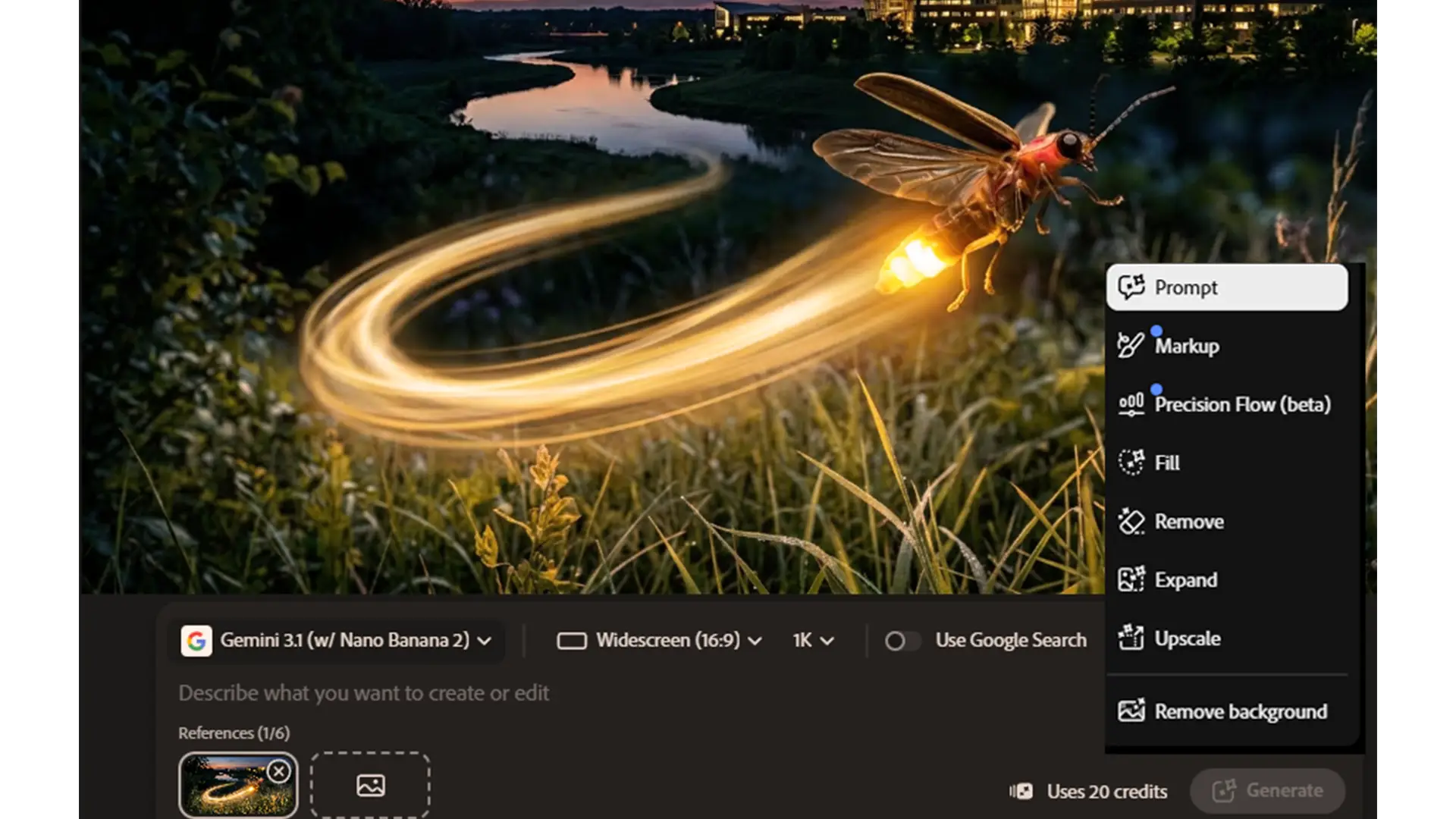
Adobe 2026: What’s changed and what it means for your team Adobe hasn’t just added a few new AI tricks. Over the past year they’ve quietly reshaped the entire Creative Cloud ecosystem — and if your organisation uses Adobe, these changes will affect how your team works, collaborates and produces content. After delivering several Adobe Express and Creative Cloud courses recently (and doing a fair bit of snooping around), it’s clear that Adobe is moving in a very deliberate direction:...
