
Photoshop Elements, New Features, Smarter Editing Tools
Photoshop Elements keeps getting smarter, faster and more intuitive, making everyday photo editing simpler for home users, hobbyists and anyone who wants great results without the complexity of full Photoshop. With cleaner workflows and more intelligent enhancements, it’s now easier than ever to polish images, experiment creatively and produce confident edits with minimal effort.
What’s New in Photoshop Elements
Photoshop Elements continues to evolve with smarter tools, cleaner workflows and more intuitive editing options designed for everyday photographers and home users. Whether you’re touching up family photos, creating social‑ready images or experimenting with guided edits, the latest updates make it easier than ever to get polished results without needing full‑blown Photoshop.
From improved AI‑powered enhancements to streamlined object removal and new creative effects, Elements offers a practical, friendly editing environment that suits beginners, hobbyists and anyone who wants great results with minimal fuss. Below is a look at the newest additions and how they can help you get more from your images.
Key improvements in this version
Smarter AI‑Powered Enhancements
Elements now uses more intelligent automation to help you improve photos quickly without needing advanced Photoshop skills. The updated AI tools can analyse lighting, colour and subject detail more accurately, giving you cleaner, more natural results with a single click. Whether you’re brightening a dull image or improving skin tones, these enhancements help you get a polished finish with minimal effort.
Updated Guided Edits for Faster Learning
Guided Edits continue to be one of Elements’ strongest features, and the latest additions make it even easier to learn new techniques. Each guided edit walks you through a task step‑by‑step, showing you exactly what to click and why. It’s ideal for beginners or anyone who wants to experiment with effects, retouching or creative adjustments without feeling overwhelmed.
Cleaner Object Removal Tools
Removing unwanted objects is now smoother and more accurate. The improved removal tools blend surrounding areas more naturally, helping you tidy up backgrounds, remove distractions or fix small imperfections without leaving obvious marks. It’s perfect for family photos, holiday snaps or any image where you want a cleaner, more focused result.
New Creative Effects & Overlays
Elements includes fresh effects, overlays and artistic options that let you add personality to your images. From subtle colour treatments to more stylised looks, these additions give you quick ways to enhance mood, add texture or create eye‑catching social‑media‑ready visuals. They’re simple to apply and easy to adjust, making them ideal for hobbyists who enjoy experimenting.
Learn Photoshop Elements with Friendly, Practical Training
If you’d like to explore these new features in more depth, our Photoshop Elements training covers everything from essential editing skills to guided edits, creative effects and practical workflows. Sessions are designed for beginners and home users who want to feel confident editing their own photos without needing full Photoshop.
A Note on Licensing and Activation
Adobe has made a few structural changes to how Photoshop Elements is installed and activated. The software is still a one‑off purchase, but it now uses your Adobe ID for licence validation and access to certain online features. This means you’ll sign in when you install Elements, and the app may occasionally check your licence in the background, especially for tools that rely on Adobe’s servers.
The core photo editor continues to run locally on your computer, and Elements remains a simple, non‑subscription option for home users and hobbyists. These changes mainly affect online extras and newer AI‑powered features rather than everyday editing.
Perfect for Home Users and Small Business Owners
Photoshop Elements has always been a favourite for home users, hobbyists and small business owners who want great results without the complexity of full Photoshop. Whether you’re tidying up family holiday photos, creating images for a local business or simply enjoying a bit of creative time at home, Elements gives you practical tools that feel approachable and easy to use.
It’s designed for real‑world everyday editing, the kind of photos we all take on our phones, on days out, on holidays or while running a small business. With its guided edits, simple workflows and friendly interface, it’s a comfortable choice for anyone who wants polished results without needing professional software.
Using Your Photos in Adobe Express
Alongside Photoshop Elements, many home users and small business owners also enjoy using Adobe Express, a simple, free design tool that comes with your Adobe account. It’s ideal for turning your edited photos into social posts, flyers, booklets, invitations and other small projects without needing any design experience.
Express includes ready‑made templates for everyday tasks, so you can quickly create things like holiday photo collages, birthday graphics, small business promotions or simple printed materials using your own images from Elements. If you enjoy video, Express also lets you build short clips and social‑ready reels, making it a friendly companion for anyone who wants to share memories or promote a local business.
Together, Elements and Express give you a comfortable, easy‑to‑use toolkit for editing photos and turning them into something creative — whether that’s a family holiday montage or a quick social post for your business.
Turn Your Photos into Short Videos with Adobe Express
If you enjoy sharing your photos, Adobe Express also includes a simple photo‑to‑video feature that lets you turn everyday images into short clips, reels or slideshows. It’s a lovely way to bring holiday photos, family moments or small business visuals to life and it’s all included for free with your Adobe account.
You can add text, music, transitions and templates, so even complete beginners can create something polished without needing video‑editing experience. Whether it’s a quick holiday montage, a birthday message or a short promotional clip for a local business, Express makes it easy to turn your edited Elements photos into something fun and shareable.
A Friendly Closing Note
Photoshop Elements remains a comfortable, down‑to‑earth choice for anyone who enjoys working with their own photos whether that’s family memories, holiday snapshots or images for a small business. Paired with Adobe Express, it gives you a simple, creative toolkit that helps you turn everyday pictures into something shareable and meaningful.
If you’d like to explore these tools with friendly, practical guidance, our training sessions are designed to help you feel confident, relaxed and ready to enjoy your editing.
Want to Read more?
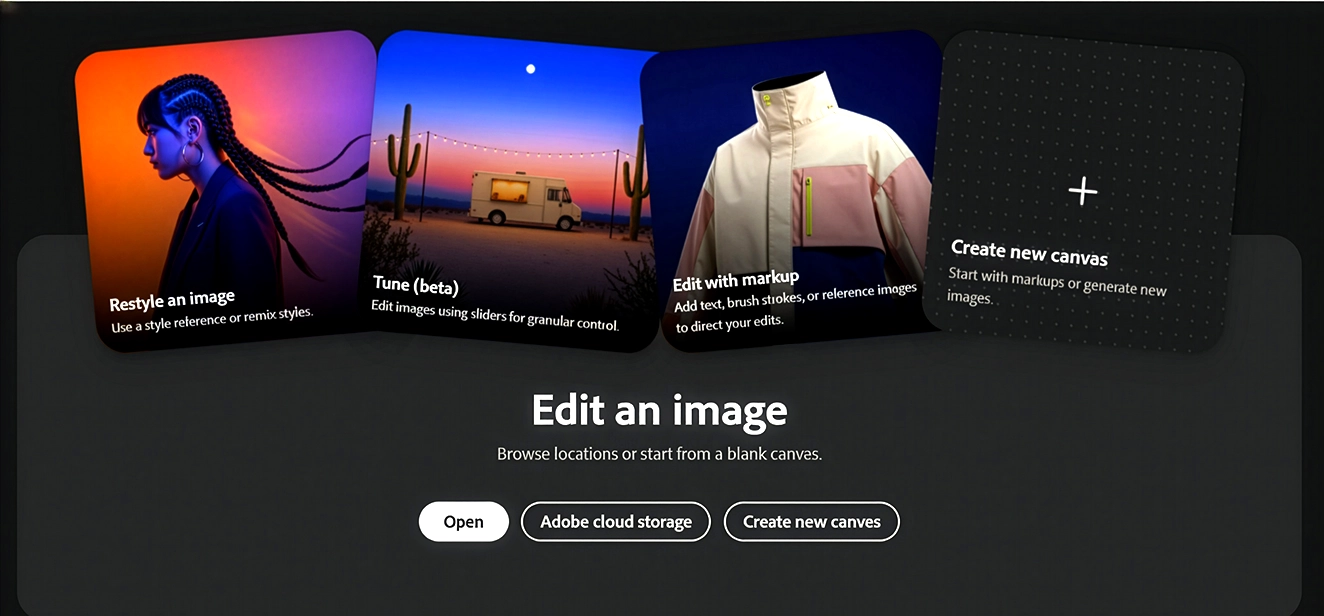
Adobe AI Assistant Photoshop Guide
Photoshop has just introduced AI Assist, a new guided helper designed to make everyday image editing clearer, faster and far less intimidating for users of all abilities. If your team often dips in and out of Photoshop, or if you work with mixed skill levels across marketing,

Photoshop Before & After
A real‑world Photoshop before & after using a quick phone shot from Nottingham. Learn how simple, practical edits can remove reflections, improve lighting and make everyday images clearer and more communicative.
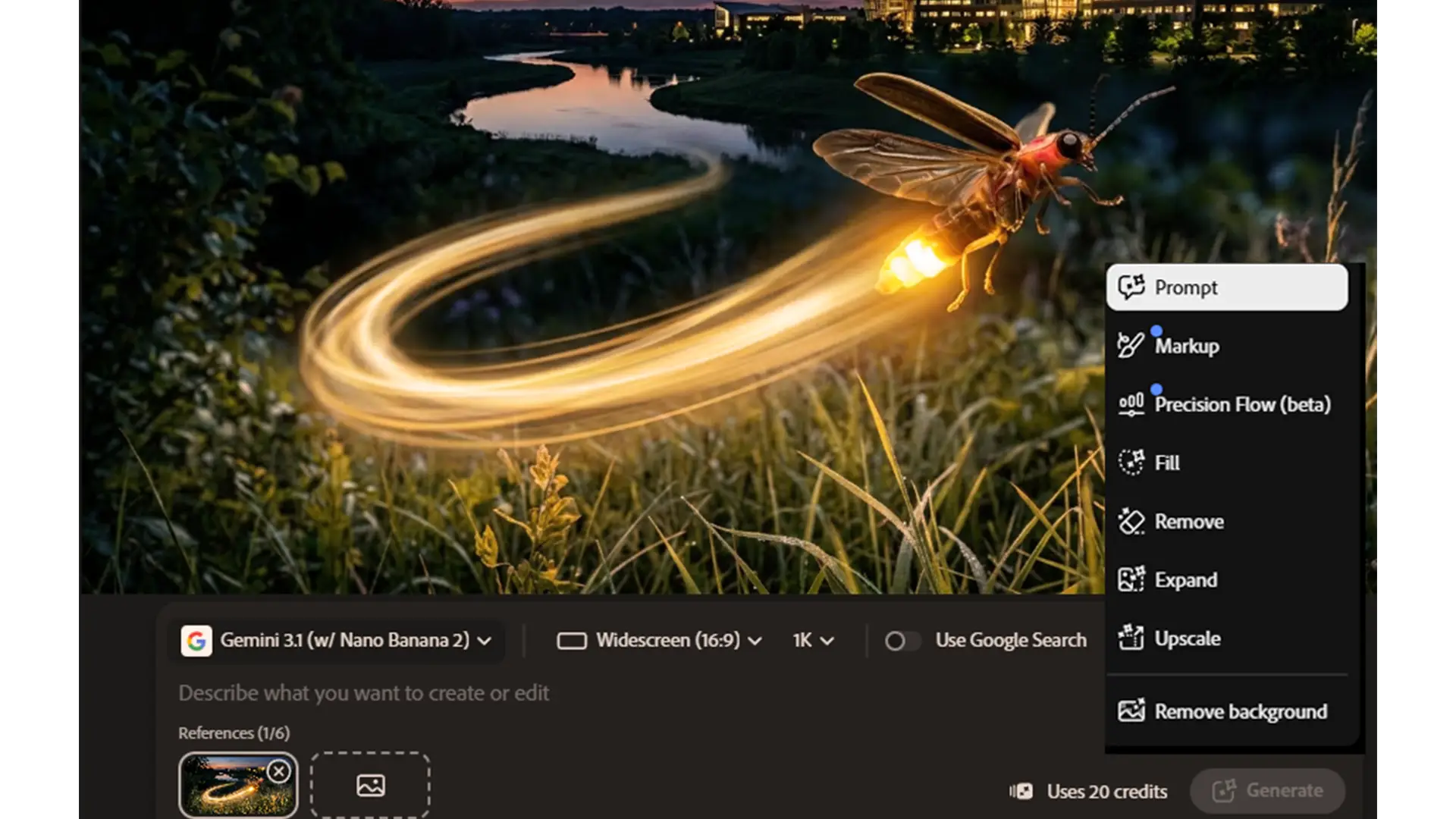
Adobe 2026 What’s Changed and What It Means for Your Team
Adobe 2026: What’s changed and what it means for your team Adobe hasn’t just added a few new AI tricks.
