
Online Adobe Photoshop Introduction Training Course
Online Adobe Photoshop Training via Zoom
Manipulate, retouch and repair your photo’s on this virtual Introduction to Photoshop Course.
One day Photoshop Training Course via Zoom
Online Offer
Online Introduction to Adobe Photoshop Course via Zoom
Friday 17th October 2025
£200.00 all inc per person
What do our clients say?
Thank you for being so accommodating.
Kind regards and have a wonderful summer"
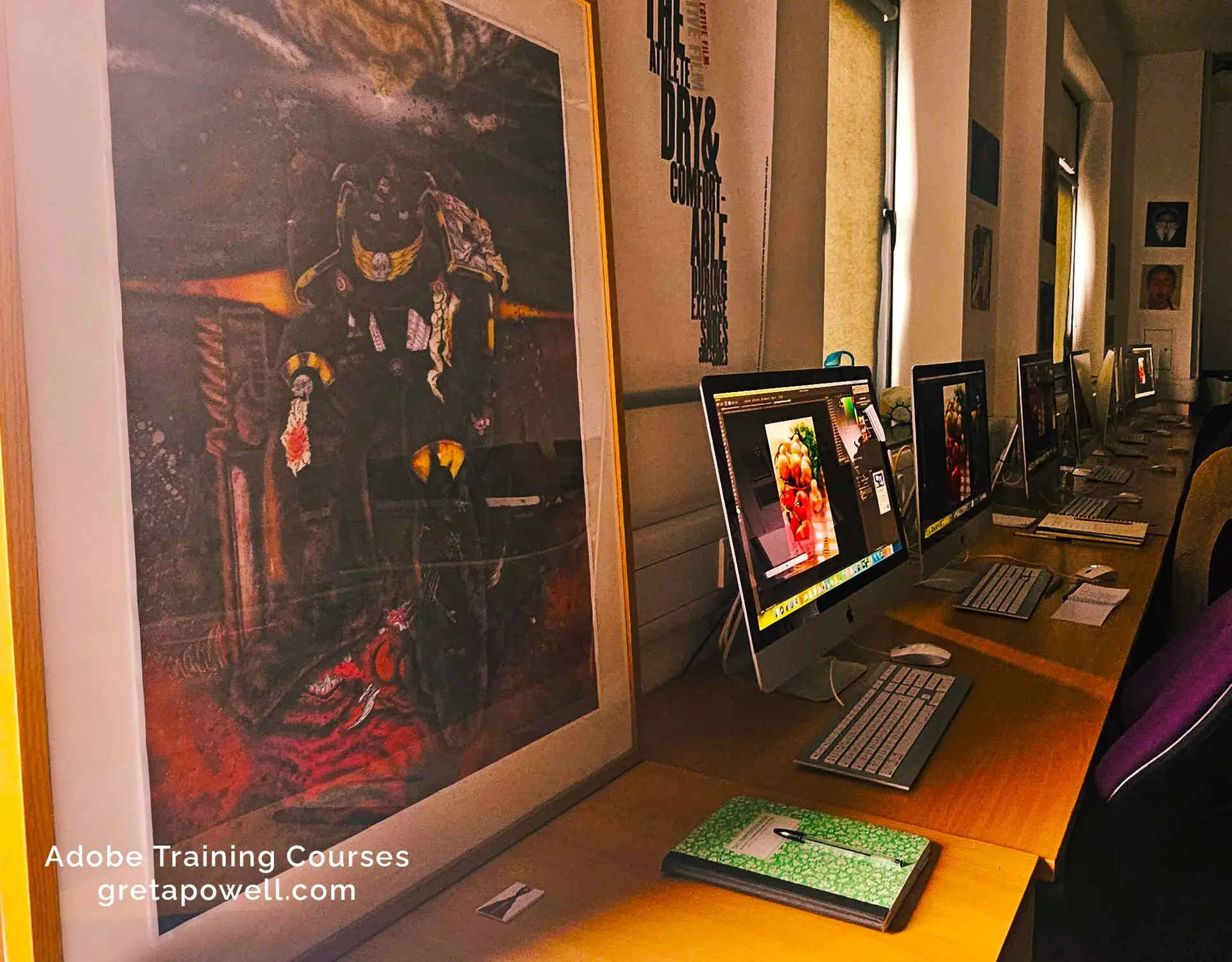
Whatever photography you shoot you’ll learn how to enhance, repair and retouch your photos on this online Introduction to Photoshop Training Course.
Whether you shoot macro, portraiture or product photography this course will give your work an added edge and professional sheen.
What's your flavour?
Macro, Landscape or Street?

What do you learn on an Introduction to Adobe Photoshop Course?
- Learn from scratch by opening existing photos and creating photo’s from new
- Learn how to work with Layers /Adjustment Layers
- Create accurate selections of whole or parts of an image using a mix of old and new selection tools
- Combine AI Tools with existing tools
- Resize, crop and transform photo’s
- Change colour, tones and levels to enhance your photography
- Publish for print, web and social media
Get in touch to find out more about the course
Create, edit and design photography for print, web and social media design
To find out more or to register for the Photoshop Course please fill in the form.
We will get in touch with you shortly to complete the booking.
On Day Adobe Photoshop Training Course
Course price £200.00 all inc per person
Adobe Photoshop Training FAQ
What is Adobe Photoshop?
Adobe Photoshop
Is probably the best known image editing software in the world design by Adobe.
It’s great for editing and retouching using RAW format, adjustment layers, masking, clone/heal tools and so much more.
Who is this Adobe Photoshop Course for?
This Photoshop Course is ideal for anyone wishing to get a firm grip with the software, its tools and the techniques used by the professionals.
Photographers needing to retouch and repair their photos.
Content Creators looking to create images for branding, products and social media.
Administrators who need to resize, retouch and tidy images for company reports, brochures and websites
Super popular with small business owners, students hoping to gain an edge during their studies
How does Online Adobe Photoshop Training work?
This one day Photoshop course runs via Zoom.
Once the course is booked in you’ll receive Zoom invite meeting for the 29th of August 2025 starting at 10.00 AM.
Files for the course will be sent to you via WeTransfer at the same time as the Zoom meeting which is a week prior to the course.
Online Adobe Photoshop Training Courses are held with a live instructor with screen shares, chat and live interaction at all times.
What do you learn on this Adobe Photoshop Training Course?
The course covers Affinity Photos interface, its basic tools and shows how to work with layers, selections and adjustment layers.
It starts with the basic skills such as opening, creating, saving and exporting images and explains the different file formats involved in working with photographs for digital and print.
As the course continues a wide variety of additional skills are added including colour and tone adjustments, working with brushes and working with other Affinity’s other ‘personas’.
Certificate and Post Course Support
Certificate of Completion
You receive a certificate of completion at the end of the course which will be sent out by email
Post Course Support
There is a full six months post course support via email and video
How to Book the Adobe Photoshop Course
Booking with us
Register by the online form and we’ll get in touch and send you the details of booking reservation and details about how to pay.
Once the booking is confirmed we then organise a pre-course call /meeting to discuss the course and any logistics around the day.
We accept payment by:
Payment for training is via BACS or Credit Card
Credit Card payment is via Stripe
*Greta Powell Training Ltd does not collect or store your card details.
Purchase Orders
We accept purchase orders from UK registered companies and the public sector.
Online Introduction to Adobe Photoshop Training - Course Overview
Photoshop Basics
Tools Bar /Workspace
Window Menu
Properties Bar
Panel Overview
Photoshop and AI
Working with Generative Fill /Generative Expand
Effective Generative Prompts
Replace Sky Tool
Neural Filters
Remove Tool /Distractions /People
Photoshop Brushes
Create & Edit New and Existing Brushes
Work with Brush Strokes
Brush Preset Management
Legacy Brushes & Presets
Photoshop Accurate Layout
Grids / Guides / Rulers
Print v Pixel
Image Resize / Resolution / Artwork sizing
Rotation and Crop
Photoshop Neural Filters
Skin Smoothing
Super Zoom
Smart Portrait
Sky Replacement
Photoshop Masks
Creating /Editing Masks
Adding /Removing to Masks
Controlling /Brushes
Mask Modes
Photoshop Selection & Selection Techniques
Lasso, Magnetic Lasso, Magic Wand
Feathering Selections
Expanding / Reducing Selections
Quick Select
Select Subject /Select Background /Hair
Select & Mask
Saving Selections
Object Selection Tool
Photoshop & Design for Social Media & Digital Output
Set up Social Media Posts /Sizes /Pixels
Understanding Web File Formats
Exporting to Web
Using FX Effects for Social Media Posts
Saving for Web
Web File Formats
Understanding Web
Optimising Images
Saving as HTML /JPEG /Images
Optimise for web
Print to PDF
Export
Photoshop Smart Objects
What are Smart Objects?
Embedded /Linked Smart Objects
Smart Objects and Smart Filters
Edit /Replace Smart Object Contents
Convert Smart Objects to Layers
Linking Smart Objects
Preservation of Raster Image Quality
Benefits of working with Smart Objects
Repairing & Replacing Images
Clone Tool (remove or replace part/s of an image
Healing Brush (fix damages to part or whole of image)
Red Eye (remove the red from the pupil)
Photoshop Layers
Understanding layer principles
Inserting/editing/shuffling layers
Layer Blending Effects / Opacity
Adjustment Layers
Photoshop Adjustment
Layers
Understanding none destructive workflows
Curves Adjustment Layer
Levels Adjustment Layer
Hue & Saturation Adjustment Layer
Black & White Adjustment Layer
