Adobe Captivate Training Course Overview
The updated and latest Captivate Training courses overview is now up onsite for the 2017 version. In addition to the existing overview the main features of the latest version have now been included.
These latest features include Fluid Boxes for responsive project design and Responsive Conversion including Multi-State Buttons and Closed Captioning Format.
- Fluid Boxes – Automatically realign objects across all screen sizes
- Responsive Text – Giving small screen users a light box container for large amounts of text to reduce scrolling
- CCT Box – Customise size and location
Take a look at the full Adobe Captivate 2017 Training Overview
Want to Read more?

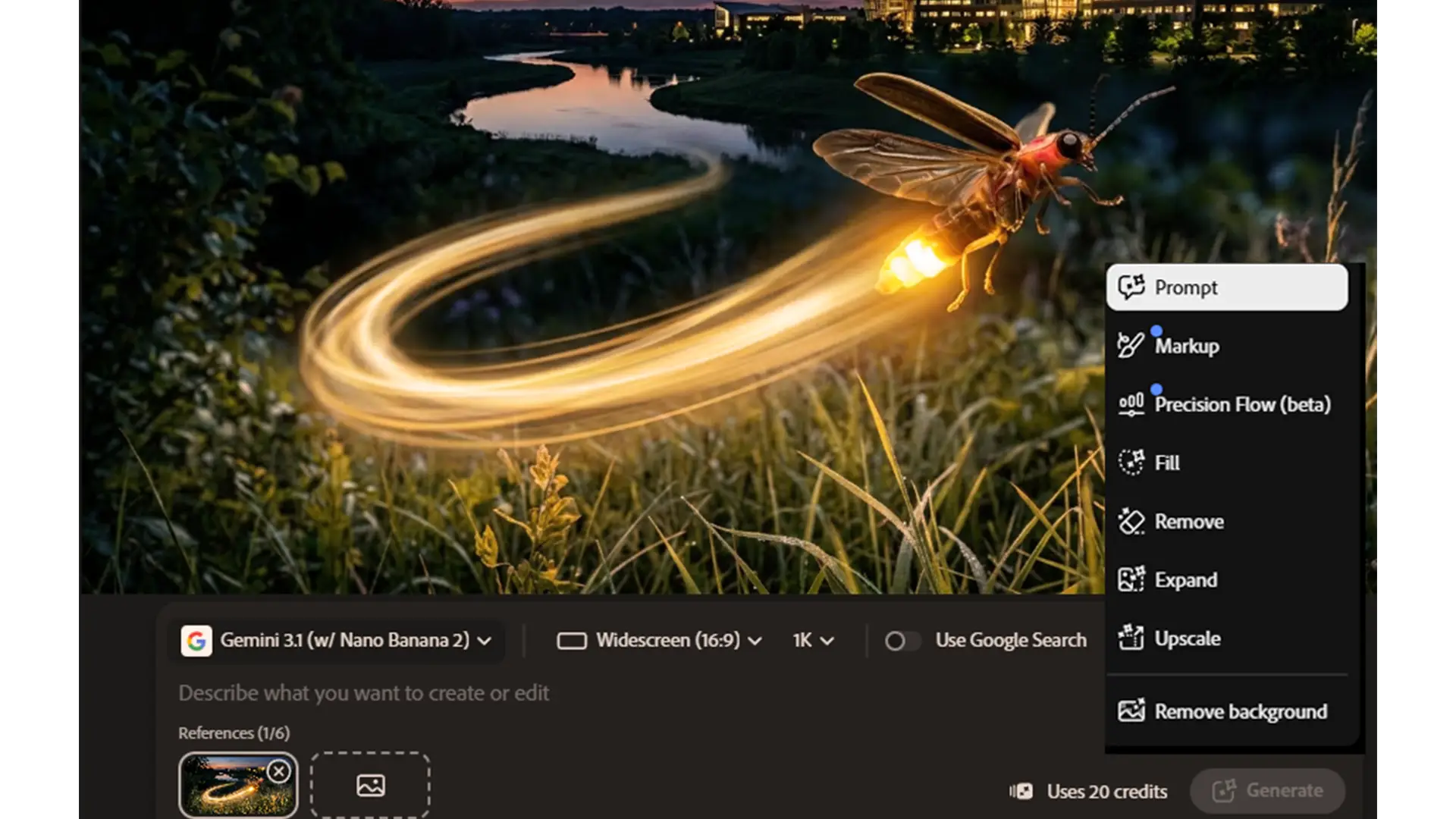
“Boost Creativity & Productivity with Photoshop Generative Fill, Google Nano & Flux”
Unleashing Creativity with AI: Photoshop Generative Fill & Google Nano Adobe Photoshop update as of 6th January 2026 Something quite

Affinity Free Creative Software Review
“Affinity Free Creative Software Review: Is It Worth the Hype?” Affinity Studio with Pixel, Layout and Vector Apps If you’re

Tailored Adobe Digital Design Training
Why Book Tailored Digital Design Training Courses? In today’s fast-moving digital world, creativity is no longer an option, it’s essential
Tagged Captivate, Captivate 2017, Captivate 8, Captivate courses
